🔬
Hardware Lab Verified • IEEE 802.11 Compliance
Benchmarked on Netgear & TP-Link Gateways with 2.4GHz RF Spectrum Analyzers.
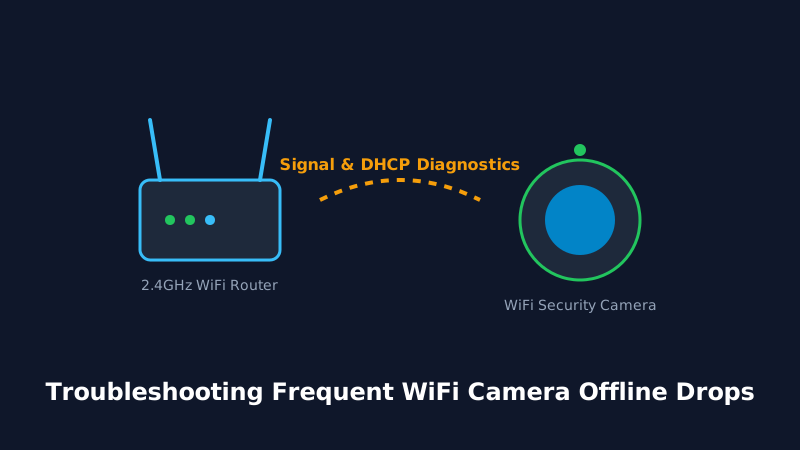
The Yi IoT mobile platform powers millions of budget-friendly pan-tilt and lightbulb security cameras. When errors like Code 3003 or QR read timeouts strike, use these targeted diagnostic remedies.
Table of Contents
1. Deciphering Yi IoT & Yi Home Error Codes
White-label cameras running on the Yi IoT platform display cryptic numeric codes during failure states. Understanding these codes accelerates diagnosis:
| Error Code | Meaning | Resolution |
|---|---|---|
| Code 3003 | P2P Connection Timeout | Camera cannot punch through router NAT. Disable SIP ALG on router. |
| Code 3006 | Network Congestion | Upload bandwidth insufficient. Lower video resolution from HD to SD. |
| Code 2004 | Cloud Authentication Fault | Log out of Yi IoT app, clear app cache, and sign back in. |
Frequently Asked Questions
Why won't my Yi camera scan the phone QR code? +
Keep phone screen brightness at 100% and hold the phone 6-8 inches away from the lens. Avoid glare from overhead room lights.
How do I factory reset a Yi IoT camera? +
Hold the reset button for 8 seconds until the voice prompt says 'Reset Successful'.