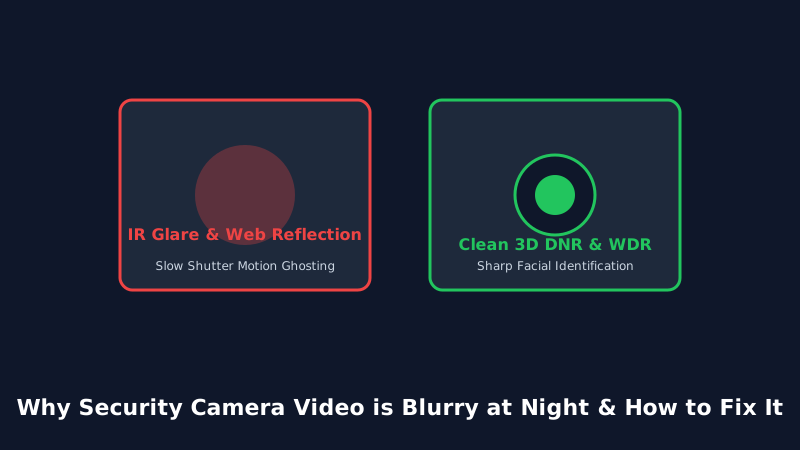
Daytime footage looks crisp and vibrant, but at night your security camera displays a hazy, blurry, or ghosted mess where faces cannot be identified. Here is an optical engineering breakdown of why night vision degrades and how to fix it.
1. Root Causes of Blurry Night Vision Video
When daylight transitions to darkness, security cameras alter their imaging pipeline: the mechanical IR-cut filter swings open, infrared LEDs activate, and the camera ISP adjusts exposure times. Three common flaws cause blurry or ghosted footage:
- Slow Shutter Speed Motion Blur: In low light, the camera sensor keeps its electronic shutter open longer (e.g., 1/12th second instead of 1/60th). Moving intruders appear as smeared, unrecognizable ghosts.
- Spiderwebs & Airborne Dust Reflection: Fine spider threads reflect intense 850nm infrared light directly back into the lens, causing the camera auto-focus to lock onto the web rather than the background.
- Window Glass Glare: Placing an infrared camera indoors pointing through a window pane blinds the camera with its own reflected infrared light.
2. Diagnostic Remediation Checklist
- Disable internal IR LEDs if shooting through glass, and deploy an external standalone infrared illuminator outside.
- Apply a thin coat of silicone spray or hydrophobic coating to the outer camera dome to deter spiders and water droplets.
- In camera advanced image settings, raise the minimum shutter speed to 1/30s to eliminate motion ghosting.
Frequently Asked Questions
Yes. Color night vision cameras with large F/1.0 apertures and white spotlights capture more ambient light, allowing faster shutter speeds.
Inspect and wipe outdoor camera lenses every 60 to 90 days with a microfiber cloth and optical cleaner.