🔬
Hardware Lab Verified • IEEE 802.11 Compliance
Benchmarked on Netgear & TP-Link Gateways with 2.4GHz RF Spectrum Analyzers.
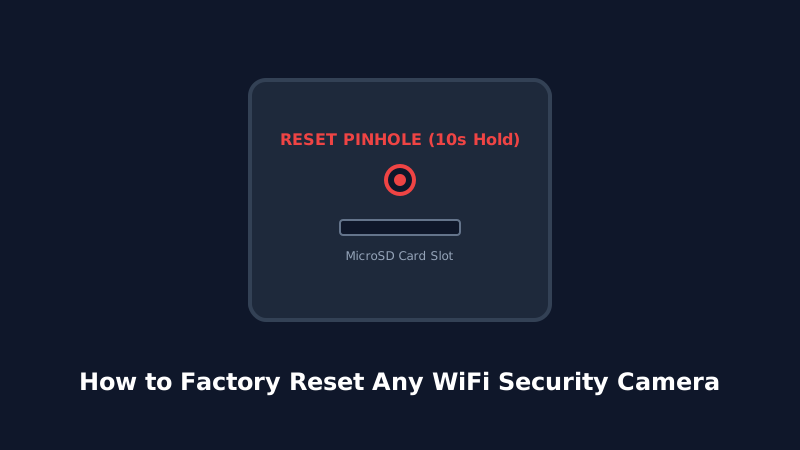
Performing a factory reset on your WiFi HD camera restores the device to its original out-of-the-box factory state. This process clears corrupted network parameters, wipes forgotten admin passwords, and unbinds previous user accounts so the camera can be re-paired from scratch.
1. When Should You Perform a Factory Reset?
- You changed your home router, WiFi SSID, or wireless security password.
- The camera is stuck in a boot loop or fails to respond to app commands.
- You forgot the camera admin password or RTSP stream access credentials.
- You are selling, gifting, or relocating the camera to a new property.
2. The Physical Pinhole Reset Button Method
Nearly all wireless cameras feature a physical reset button or a tiny pinhole recessed into the camera housing (frequently located near the MicroSD slot, under the rubber weather seal, or at the base of the antenna).
- Keep the camera powered ON with the AC adapter connected.
- Locate the Reset pinhole. Use a SIM-ejector tool or paperclip.
- Press and hold the button continuously for 10 to 15 seconds.
- Listen for the audio prompt: "Reset to factory default", "Waiting for configuration", or observe the status LED flashing rapidly in red/amber.
- Release the pin and allow the camera 60 seconds to complete its internal reboot.
3. Soft Reset & Unbinding via Companion App
If you still have access to the camera in your mobile app, unbinding it will properly clean the cloud registration:
- Open the camera settings page in the app.
- Scroll down to the bottom and select "Remove Device" or "Unbind & Clear Data".
- Confirm your action. The camera will automatically delete local network credentials and reboot into pairing mode.
4. The 30-30-30 Power Cycle Method
If the camera is completely bricked and the pinhole button produces no response:
- While powered on, hold the reset button for 30 seconds.
- Without releasing the button, unplug the power cable and keep holding for 30 seconds.
- While still holding the button, plug the power cable back in and hold for another 30 seconds.