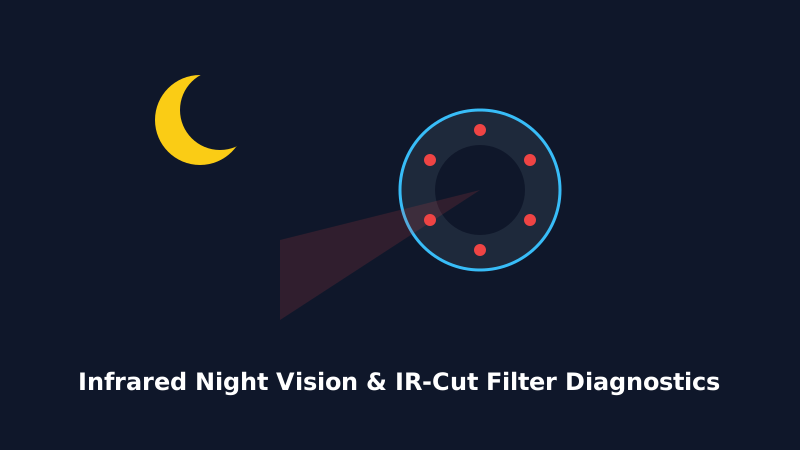
A security camera's primary purpose is 24/7 protection. When the sun goes down, your WiFi HD camera relies on built-in Infrared (850nm / 940nm) illuminators or white floodlight LEDs to render clear nighttime footage. If your nighttime feed is pitch black, hazy, or tinted pink, follow this diagnostic guide.
2. Stuck IR-Cut Filter (Pink or Purple Daylight Tint)
During daylight, an electromagnetic mechanical filter (IR Cut Filter) covers the camera sensor to block infrared light and deliver accurate colors. At night, it physically clicks open to let infrared light through.
- The Fix: If the image is permanently tinted pink during the day or black at night, gently tap the side of the camera housing or wave a small magnet near the lens while toggling night vision in the app between "Auto", "On", and "Off". This unsticks the mechanical solenoid.
3. Pitch Black Screen at Night (Failed IR LEDs or Power Drop)
If daytime video looks perfect but the feed turns pitch black at night, look at the front of the camera in the dark. Do you see tiny faint red glowing dots around the lens?
- No Red Glow: The IR LED board is not receiving power, or the ambient light sensor (photoresistor) is dirty. Clean the front optical glass with a microfiber cloth.
- Power Adapter Insufficiency: As noted in our power guides, IR LEDs require additional amperage. Swap to a genuine 5V/2A power supply.
4. Blinding White Glare Pointing Through Glass Windows
If you place an indoor camera on a windowsill pointing outside through glass, infrared light will reflect directly back into the lens, blinding the camera sensor.
- Solution: Turn OFF "Infrared Night Vision" in the app settings, and rely on external outdoor porch lighting, or mount the camera outside directly.