🔬
Hardware Lab Verified • IEEE 802.11 Compliance
Benchmarked on Netgear & TP-Link Gateways with 2.4GHz RF Spectrum Analyzers.
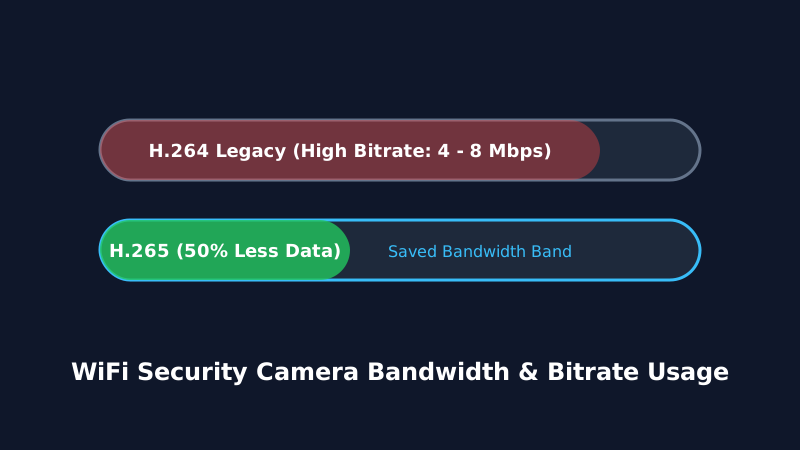
Before installing multiple wireless cameras around your home, calculating your internet upload speed and router bandwidth capacity is essential. A common concern among homeowners is whether streaming multiple WiFi HD cameras will cause lag in video calls or slow down online gaming.
1. Video Codecs: H.264 vs. H.265 (HEVC)
The single biggest factor affecting bandwidth consumption is the video compression codec:
- H.264 (AVC): Older, standard compression. Uses approximately double the bandwidth of newer codecs.
- H.265 (HEVC): Modern high-efficiency codec that cuts bandwidth consumption and file sizes by 40% to 50% while retaining identical video quality.
| Camera Resolution | Codec | Upload Speed Needed (Per Camera) | Monthly Data (24/7 Continuous) |
|---|---|---|---|
| 1080p (Full HD) | H.264 / H.265 | 1.5 - 2.5 Mbps | ~150 - 300 GB |
| 2K (QHD / 4MP) | H.265 | 2.5 - 4.0 Mbps | ~250 - 450 GB |
| 4K (Ultra HD / 8MP) | H.265 | 5.0 - 8.0 Mbps | ~500 - 900 GB |
2. Continuous Streaming vs. Event-Based Recording
If your camera is set to Event-Based (Motion Only) recording, it uses virtually zero internet upload bandwidth until motion is detected. When triggered, it uploads a 15-30 second video clip, consuming less than 15-30 GB per month total.