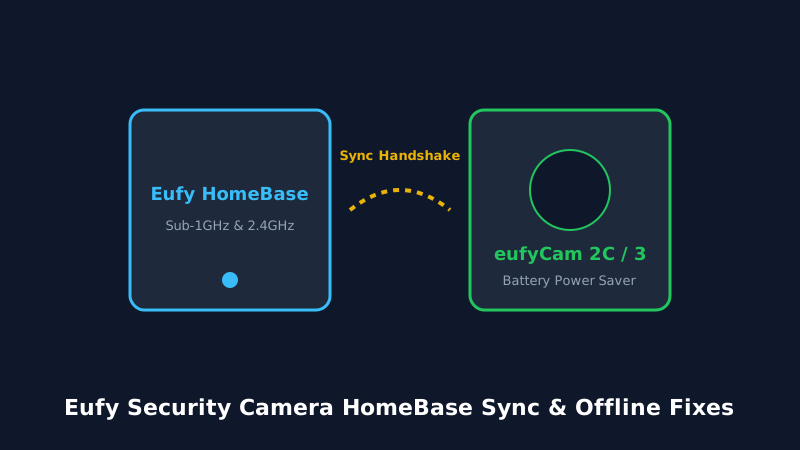
Eufy security cameras are celebrated for local storage and zero monthly fees. But when an outdoor eufyCam fails to connect to HomeBase 2 or HomeBase 3, live notifications stop entirely. Follow this guide to diagnose and repair wireless sync drops.
1. Eufy HomeBase Sync Architecture
EufyCam wire-free cameras (such as the eufyCam 2C, 3, and 3C) communicate using a proprietary low-power Sub-1GHz RF wake-up beacon combined with 2.4 GHz Wi-Fi to link with the Eufy HomeBase. When cameras display 'Device Offline', the fault typically stems from RF interference between the HomeBase and the camera placement zone.
2. Fixing EufyCam Disconnections & Offline Drops
- Relocate HomeBase via Ethernet: Avoid connecting the HomeBase wirelessly to your router. A direct Gigabit Ethernet patch cable provides 100% stable communication to the cloud.
- Adjust Detection Zones & Sensitivity: Excessive false triggers from tree branches drain battery reserve and overwhelm camera radio buffers. Set sensitivity to human-only filtering.
- Resync Pinhole Sequence: Press the Sync button on top of the camera until you hear a chime, then press the HomeBase sync button for 2 seconds to regenerate security keys.
Frequently Asked Questions
Maximum practical distance is 30 to 45 feet through 1-2 exterior walls. In clear line-of-sight, range extends up to 90 feet.
Verify the internal eMMC or hard drive on HomeBase is not corrupted. Reformat the storage drive inside the Eufy Security App.