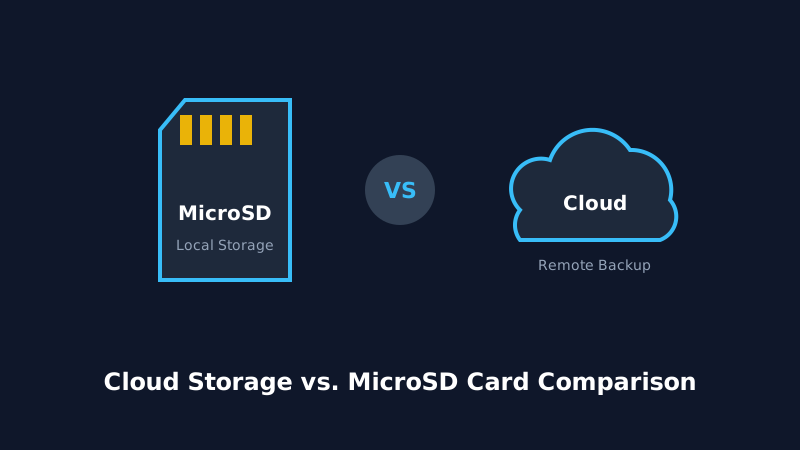
When setting up a modern WiFi HD security camera, one of the most critical decisions you will make is how to store your video recordings. Should you rely on a local MicroSD card inserted directly into the camera slot, or subscribe to a monthly Cloud storage plan?
Both methods offer distinct advantages in terms of data privacy, ongoing subscription costs, convenience, and evidence preservation in the event of hardware theft. In this in-depth guide, we break down both storage options so you can choose the optimal balance of security and budget.
2. Local MicroSD Card Storage: Pros & Cons
Local storage relies on an onboard MicroSD (TransFlash) memory card slot. The camera writes video clips directly onto the flash memory.
Advantages of SD Card Storage:
- Zero Monthly Fees: A one-time purchase of a high-endurance 64GB or 128GB MicroSD card ($12 - $25) provides years of recording without any recurring costs.
- Offline Recording Capability: Even if your home internet goes down or your WiFi router restarts, the camera continues to write footage locally.
- Complete Data Privacy: Your video clips stay in your possession and are never transmitted to third-party servers.
Drawbacks of SD Card Storage:
- Vulnerable to Theft: If an intruder steals or smashes the physical camera, your video evidence is lost forever.
- Memory Card Wear: Continuous video writing can exhaust flash memory endurance over 2 to 3 years unless using high-endurance cards.
3. Cloud Subscription Storage: Pros & Cons
Cloud recording automatically uploads motion clips or continuous 24/7 video streams over your internet connection to secure, encrypted remote servers (e.g. AWS or Google Cloud).
Advantages of Cloud Storage:
- Theft & Vandalism Immunity: Even if an intruder destroys the camera, the video clip up to the moment of destruction is already safely backed up offsite.
- Instant Cloud AI Analytics: Cloud services often provide advanced smart filtering (e.g. distinguishing between pets, packages, vehicles, and humans).
- Multi-Device Access: Effortlessly review weeks of historical footage from any web browser or secondary device.
Drawbacks of Cloud Storage:
- Recurring Subscription Fees: Cloud plans typically cost $3 to $10 per month per camera ($36 to $120/year).
- Internet Dependent: If your internet provider has an outage, no cloud video is recorded during that window.
4. 5-Year Cost & Reliability Comparison
| Feature | MicroSD Card (Local) | Cloud Storage Subscription |
|---|---|---|
| Upfront Cost | $15 - $30 (one-time) | $0 (included with camera setup) |
| 5-Year Cost (2 Cameras) | ~$40 total | $360 - $720 total |
| Internet Outage Resilience | 100% Records uninterrupted | No recording during outage |
| Camera Theft Protection | None (evidence lost) | 100% Preserved in Cloud |
| Data Privacy | 100% Local control | Encrypted on 3rd-party servers |
5. The Hybrid Verdict: What Should You Choose?
For most homeowners, the Hybrid Strategy is the most cost-effective and secure approach:
- Use High-Endurance MicroSD Cards (SanDisk High Endurance or Samsung PRO Endurance) in all your cameras for 24/7 continuous local recording with zero subscription overhead.
- Enable Free Motion Cloud Snapshots or a low-cost basic cloud tier for your most exposed outdoor cameras (e.g., driveway and front porch) to safeguard against camera theft.